


 Deutsch
Guide
Welcome to a new way of unlocking new content!
Specializations is a task progression system that allows you to unlock the new Airport Crash Tender, as well as equipment for it.
In the future, we plan to add even more unlockable content to Specializations and will update this guide accordingly.
Where to find Specializations
While in your base, tap on the clipboard with the tick icon on the left side of your screen.
This will open the Specializations area. 
This new Specializations icon has replaced the Alliance Duell icon.
You can now find the Alliance Duell icon on your mission map, directly above the 1v1 icon.
Specialization Tasks
Inside the Specialization window, you will see a bar at the top that shows all the different items you can unlock. 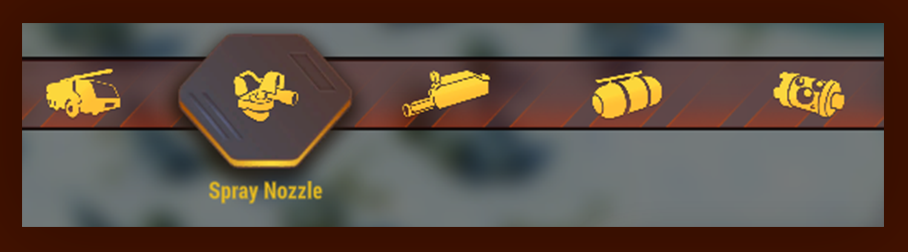
You will progress from left to right, starting with unlocking the new Airport Crash Tender.
You cannot skip individual specialization unlocks.
For example, if you have not yet unlocked the Water Cannon, you will not be able to start unlocking the Water Tank. 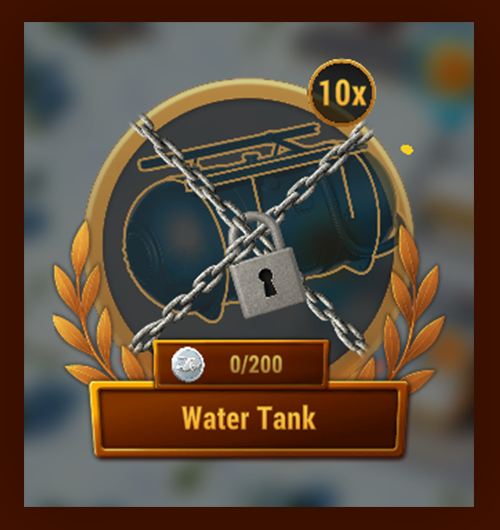
There are multiple tasks available at the same time, and you can choose which ones to complete in order to earn the required amount of Airport Crash Tender Tokens (ACT-Tokens). 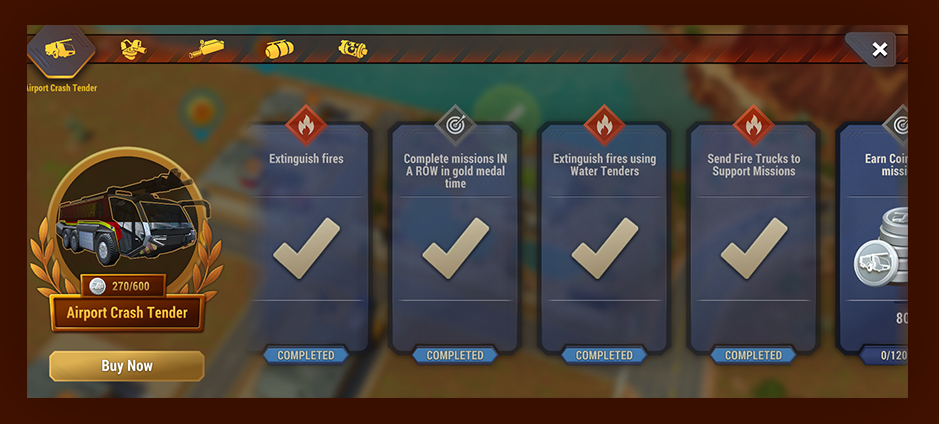
For every completed Specialization Task, you will receive a specific number of ACT-Tokens.
Your progress is shown clearly, so you can always see how close you are to unlocking the next reward.
Once you have earned all required ACT-Tokens, you will be able to collect your reward. 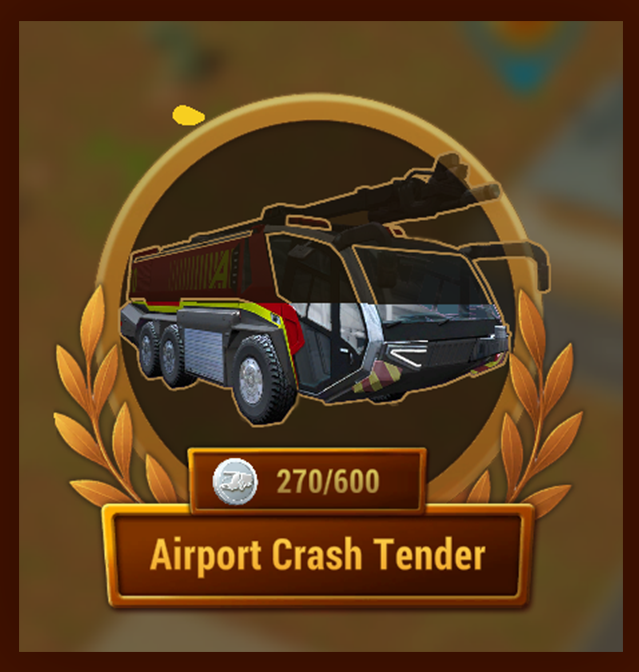
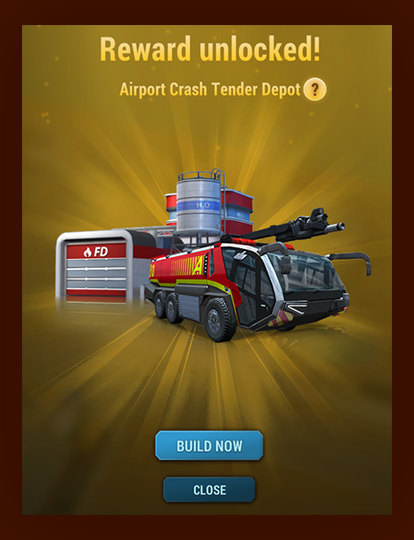
After completing all tasks and collecting all unlocked rewards, the Specializations icon in your base will disappear.
When new Specializations become available in the future, the icon will automatically reappear.
Just skip it
If you are eager to try out the new unit and don’t want to wait until you have collected enough Tokens, you can always take a shortcut and buy it directly.
This option is only available for the base unit.
You will still need to complete the Specialization Tasks to unlock the equipment. 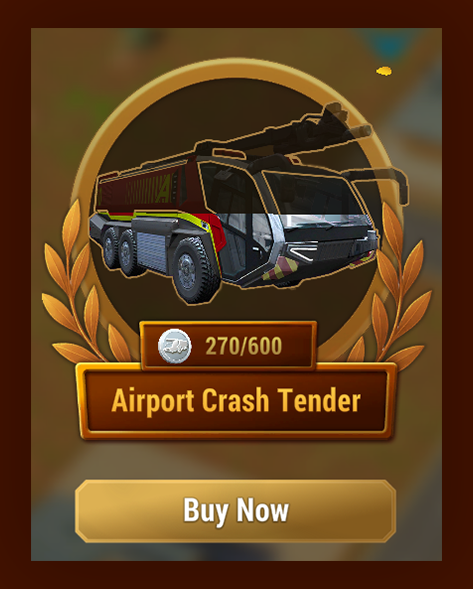
- Share

